Before installing the Card Registration Addon Plugin, ensure that the following required plugins are already installed and active:
Follow the instructions below to install and activate the plugin:
Download the plugin zip file #
Upon completion of your order, you will automatically receive an email like the one below, with the subject “Your order of Card Registration Addon for FAC Payment Gateway by GDC is completed“

Click the Download button from the email to download the plugin zip file to your computer.
Install and active the plugin #
Log in to the WordPress admin dashboard of your website. Before installing this plugin, first ensure that From the Plugins sub menu, click Add New. Then select Upload Plugin

D. Click on the “Choose File” button and select the plugin zip file you downloaded earlier.
E. After selecting the file, click on the “Install Now” button to upload the plugin to your WordPress site.
Install and Activate the Plugin #
A. After the upload is complete, click on the “Activate Plugin” link to activate the plugin on your website.
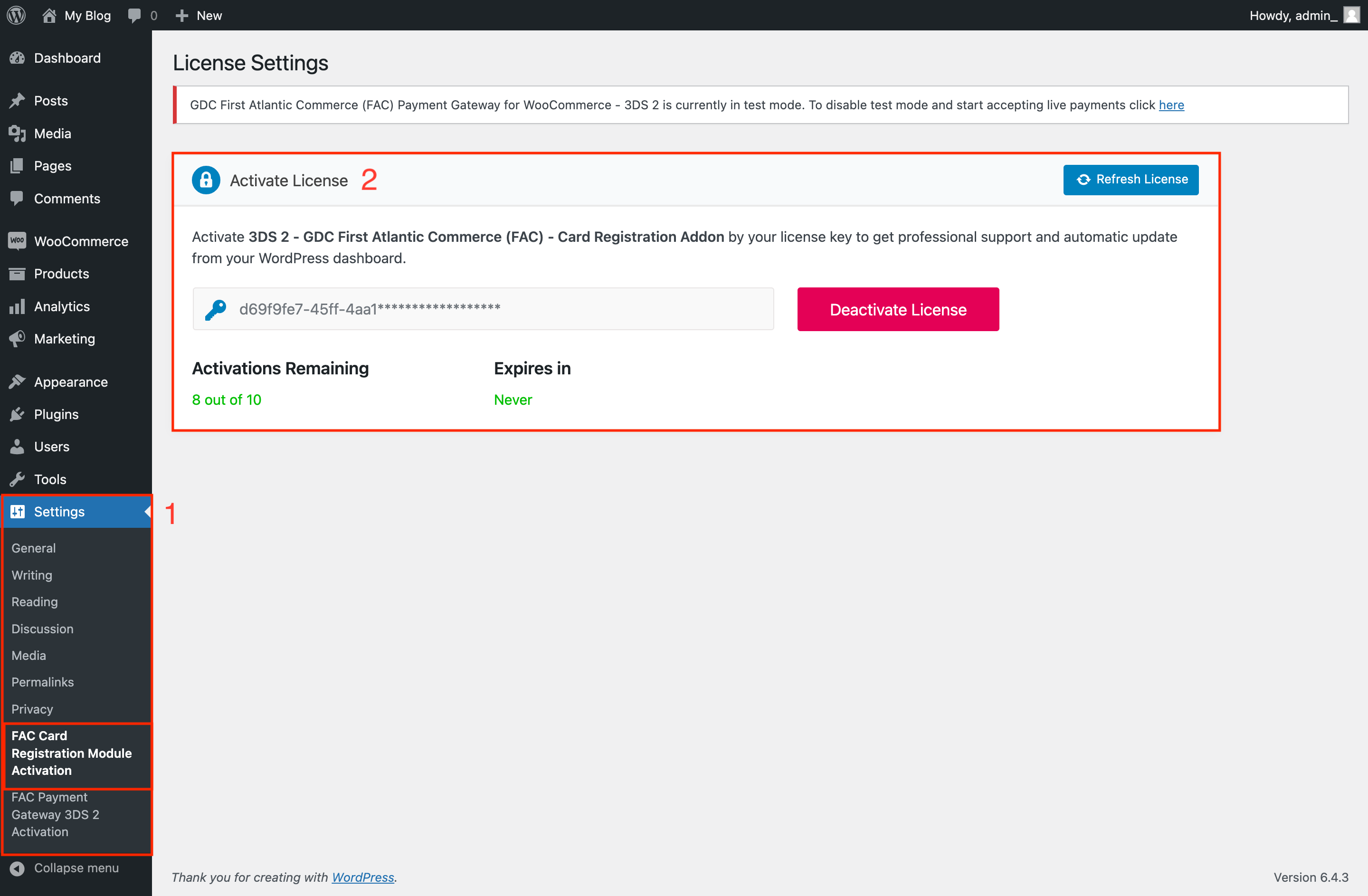
B. Navigate to the “Settings” menu in your WordPress admin dashboard and Select the “GDC First Atlantic Commerce – Card Registration Addon” option.
C. Enter the activation code in the designated field and click on the “Activate” button to complete the subscription activation process.