

Table of Contents
Create a domain #
First, we’ll go to our cPanel and create the domain to install our application. You can create your domain.
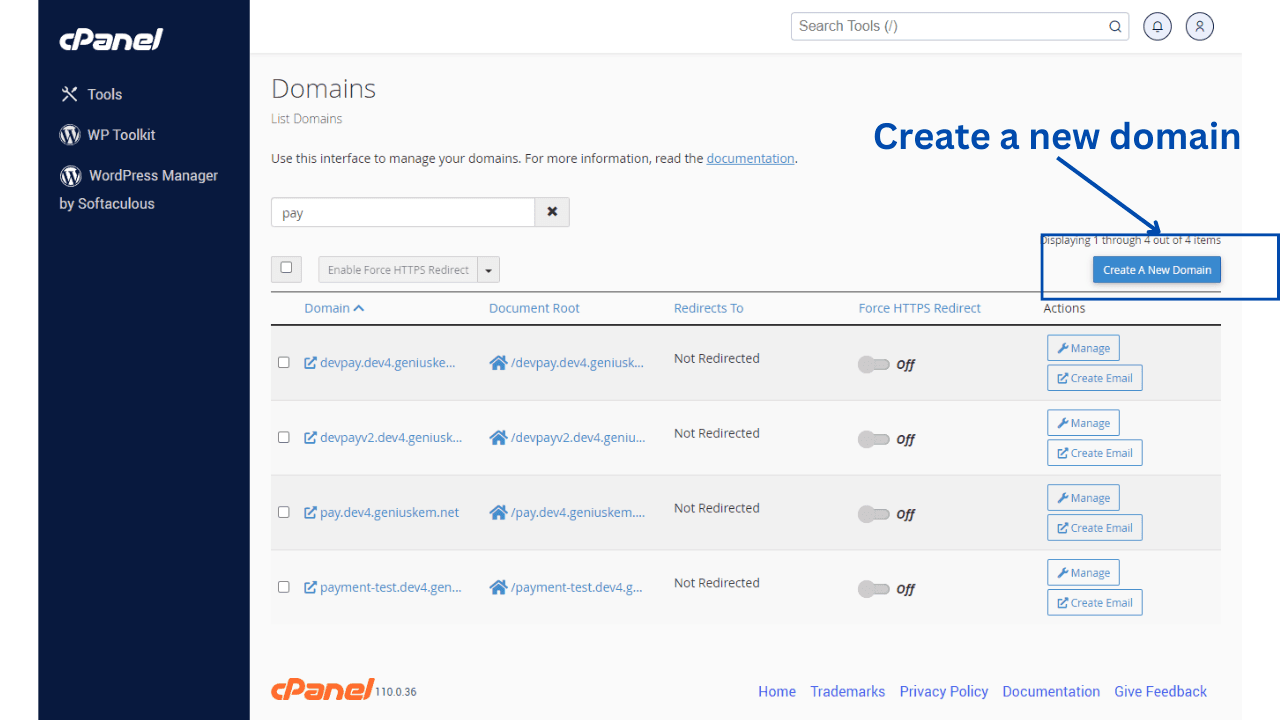
After creating the domain, we will modify its files, which should be empty.
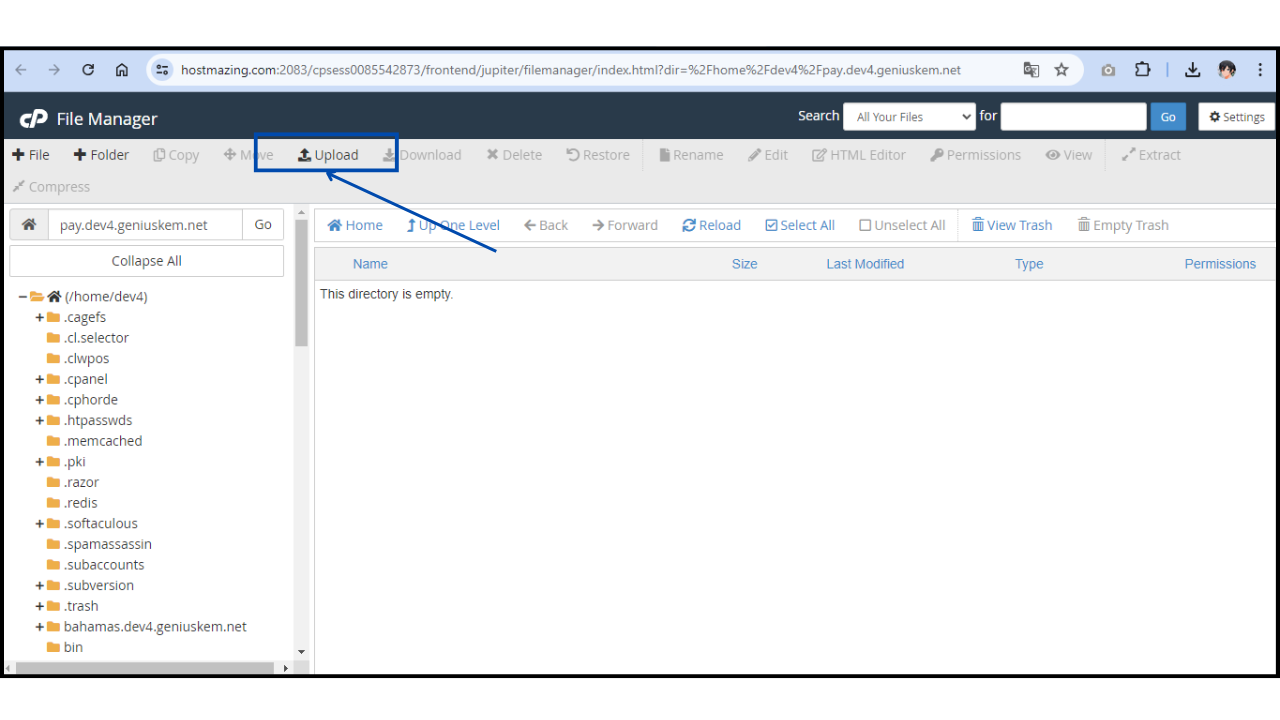
Upload files. #
Click on “Upload” to upload a file and select the .zip file we obtained earlier.
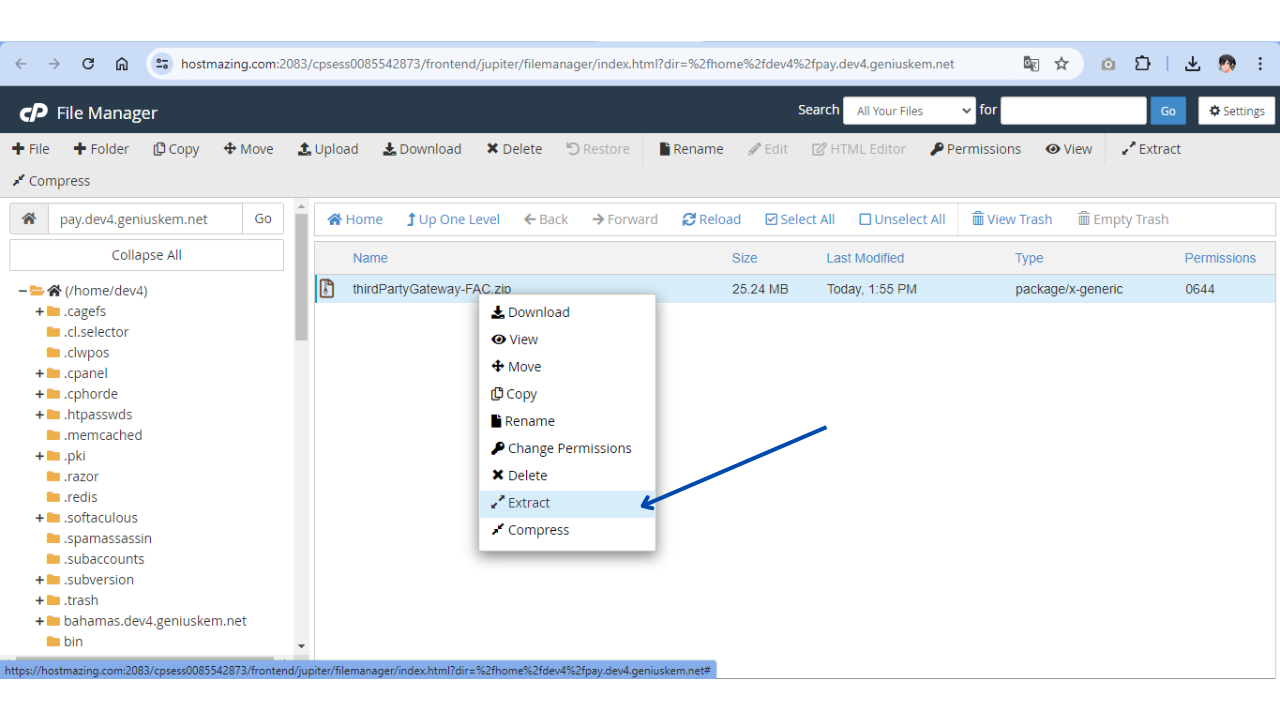
We’ll wait for the file to finish uploading.

Now we will extract the files here.
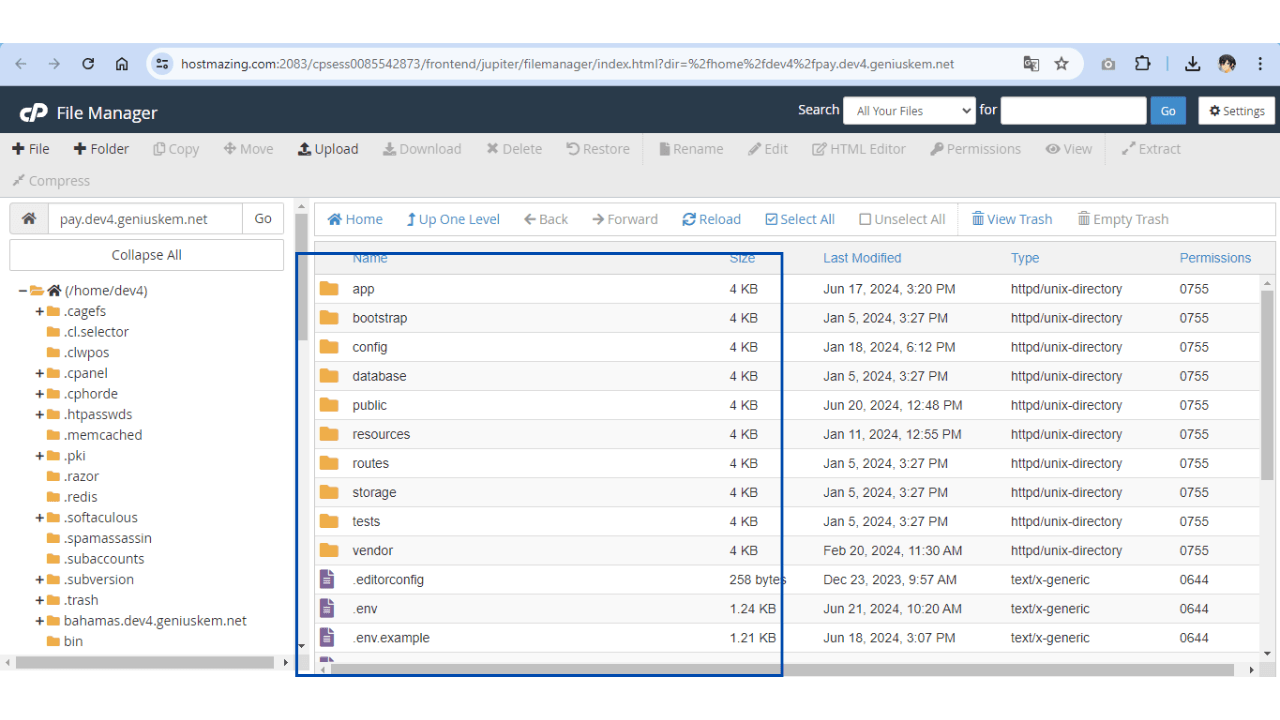
Now, let’s open our domain in the browser and see that the application is running correctly.


