

Table of Contents
After having created your hosted page as explained in the previous article, we will still have to do a small step to use it without errors on our site.
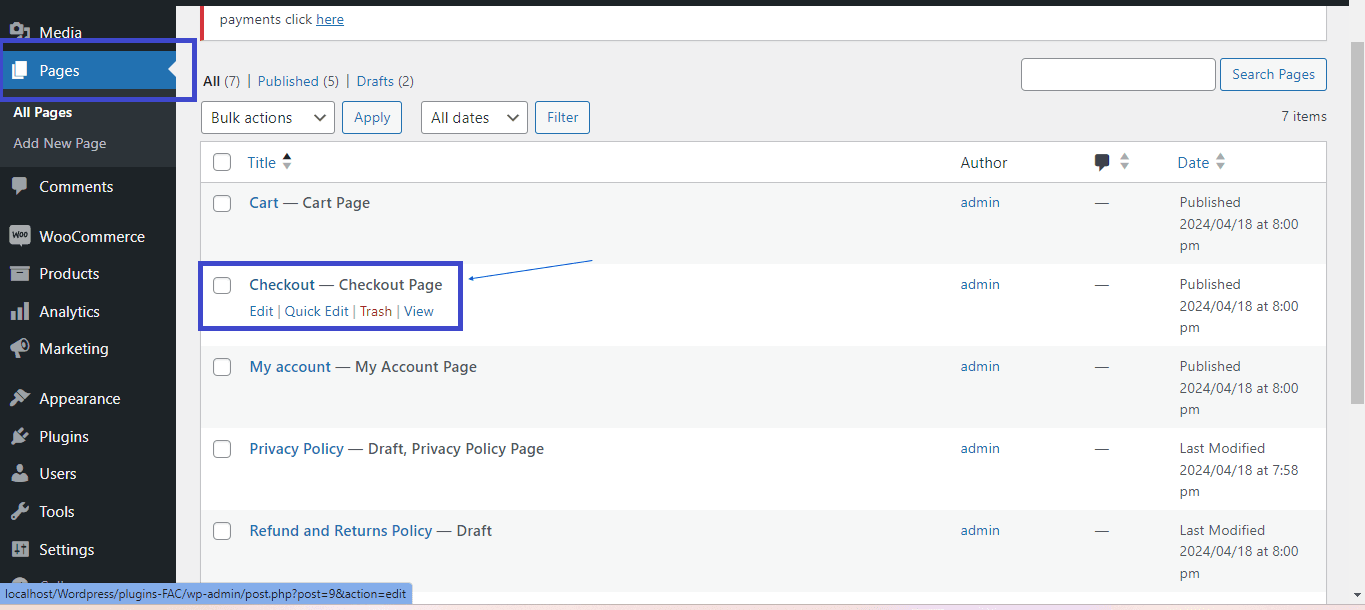
Go to the checkout page and click edit #
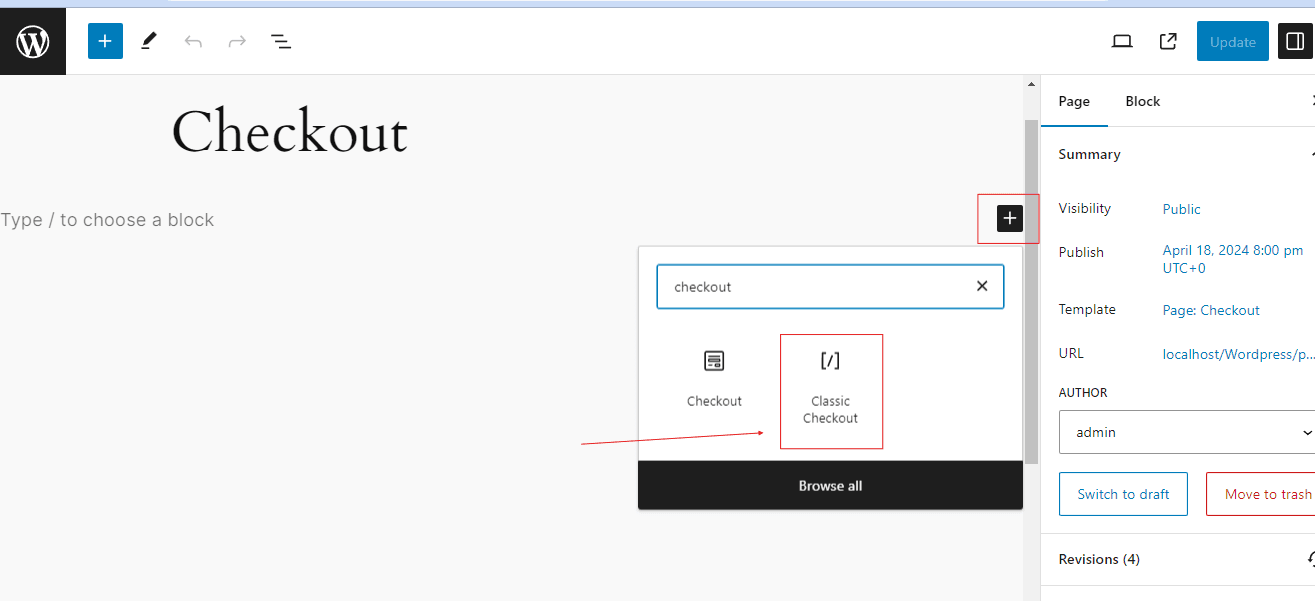
Add your checkout classic #
Once there we will add a new widget that will allow us to enter and use our payment method from the hosted page.
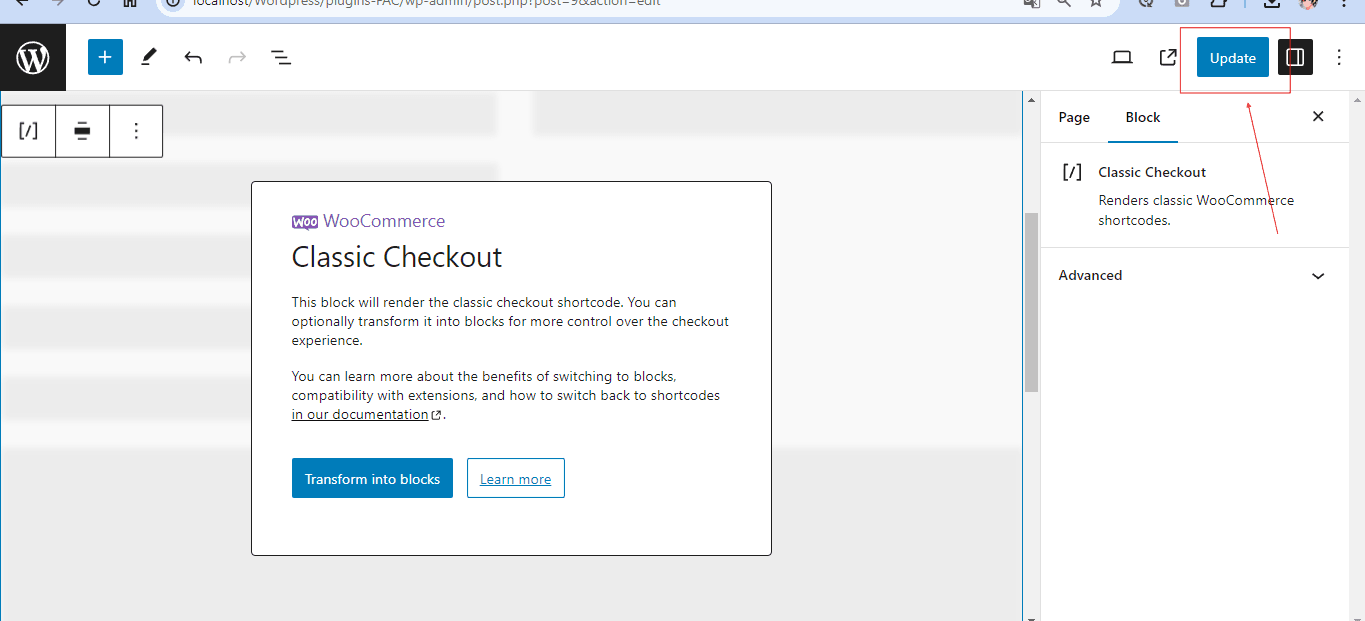
Update yourself and that’s all we’ll need. #
Now we will not have problems entering our hosted page to allow user payments. Continue to the next article.


